Python
Start with variables, loops, and if statements. Put them together in small projects like a number-guessing game, and practice finding and fixing bugs.
Explore PythonFriendly teen tutors help younger students learn to code, build projects, and feel more confident in math.
All classes are online only via Google Meet.
Explore classes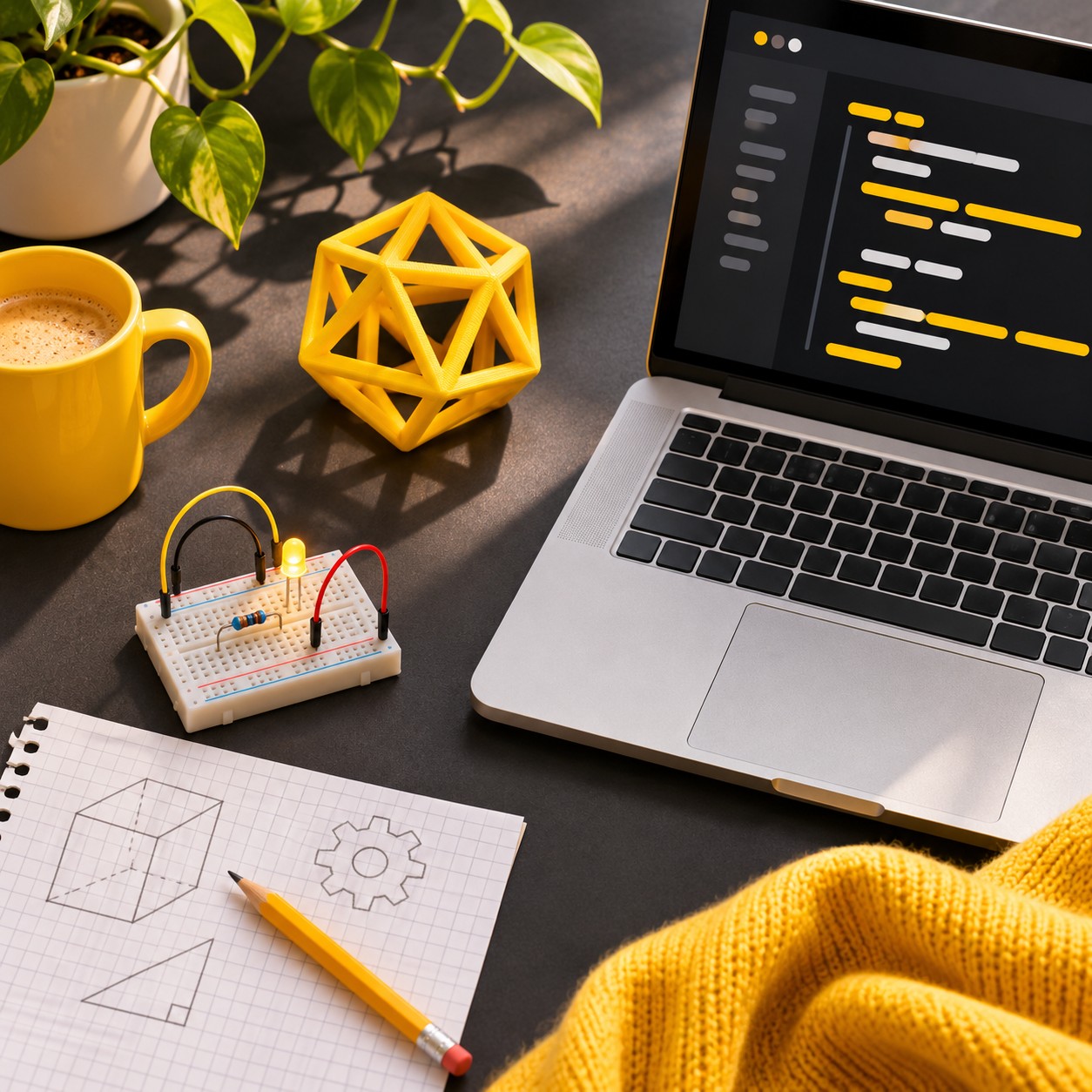
Learn with a teen tutor who can help you write your first program, design in 3D, build a simple circuit, or practice math from 1st grade through Algebra 1.
Start with variables, loops, and if statements. Put them together in small projects like a number-guessing game, and practice finding and fixing bugs.
Explore PythonDrag and snap coding blocks to control characters, add sound, and keep score. Use those skills to make a game, animation, or interactive story.
Explore ScratchLearn to move, rotate, resize, and combine shapes in a 3D workspace. Turn simple parts into your own models, like a robot or a tiny house.
Explore 3D modelingGet help planning, building, and troubleshooting low-voltage projects. Learn how breadboards, LEDs, sensors, and beginner microcontrollers fit together.
Explore DIY electronicsGet practice at your level, from counting and place value in 1st grade to fractions, ratios, and pre-algebra. In Algebra 1, work on equations, graphs, and functions.
Choose a math topicExplore the skills you can practice with a teen tutor.
Write programs that respond to you.
Start with input, variables, and conditionals. Use loops to repeat an action, then organize your code into functions as your project grows.
Write a program that picks a secret number, gives higher-or-lower hints, and counts how many guesses it takes.
Laptop required. Choose your skill level when requesting Python.
Choose PythonTurn your ideas into games and stories.
Use events, loops, and variables to control sprites, switch scenes, and keep score. A teen tutor can help you test what happens when blocks run in a different order.
This browser demo shows how a Scratch game can use events, a score, and a timer. Tap a star or use the arrow keys to move between squares and Enter to catch it.
Build a design one shape at a time.
Learn to navigate a 3D workspace, size and align parts, and combine solid shapes. Check your model from different angles and revise anything that doesn’t fit.
Combine and align shapes to make a tray with separate spaces for pencils, erasers, and paper clips.
Laptop required. Choose your skill level when requesting 3D Modeling.
Choose 3D ModelingBring a small circuit to life.
Get help understanding breadboard connections, switches, LEDs, and beginner sensors. Work through a low-voltage build by testing one connection or component at a time.
Build a low-voltage breadboard circuit that lights an LED when you press a button, then troubleshoot it one connection at a time.
Work on the exact skill you’re stuck on.
Choose your grade and topic. Build number sense and arithmetic in elementary school, practice ratios and equations in middle school, or work on linear functions, systems, and quadratics in Algebra 1.
Explore the topics above or choose a specific skill in the class finder.
Share a project idea, a homework question, or a skill you want to practice.
Open the Gmail draft, review it, and send it to ask about availability.
Choose a subject and tell us what you’d like to work on. We’ll use your request to talk through scheduling.
You’ll need a laptop for this class.
Teen tutors get to share what they know and build confidence as teachers. Younger students get a friendly guide who welcomes questions, breaks down tricky ideas, and gives them room to try things on their own.
Clever Minds wrote these quotes to illustrate the tutoring experience.
“My tutor was easy to talk to. When my circuit didn’t work, they said we could figure it out together and let me try again.”
“The teen tutor was warm and patient. My child felt comfortable asking the same question twice, and the tutor happily explained it a different way.”
All classes are online only via Google Meet.
A laptop is required for Python and 3D Modeling so students can use the coding or design tools during class.
Clever Minds is student-led. Teen tutors help younger learners practice skills, talk through questions, and work on projects.
Yes. Describe what you’re working on and where you got stuck in your class request.
You can request help with one topic, such as equivalent fractions or systems of equations. Choose your grade or course in the class finder to see the options.
Tell us what you want to build and which parts you already have. Ask about any supplies you might need before buying them.
Tell us what your learner wants help with and share a few times that work for you. For a project, mention what they’ve already tried.
Send a class request with the subject you want and a few times that work for you. The support section also has our email and phone number.
Contact Clever Minds for help choosing a class, finding a time, or changing a booking.